Is MyTheme Studio free?
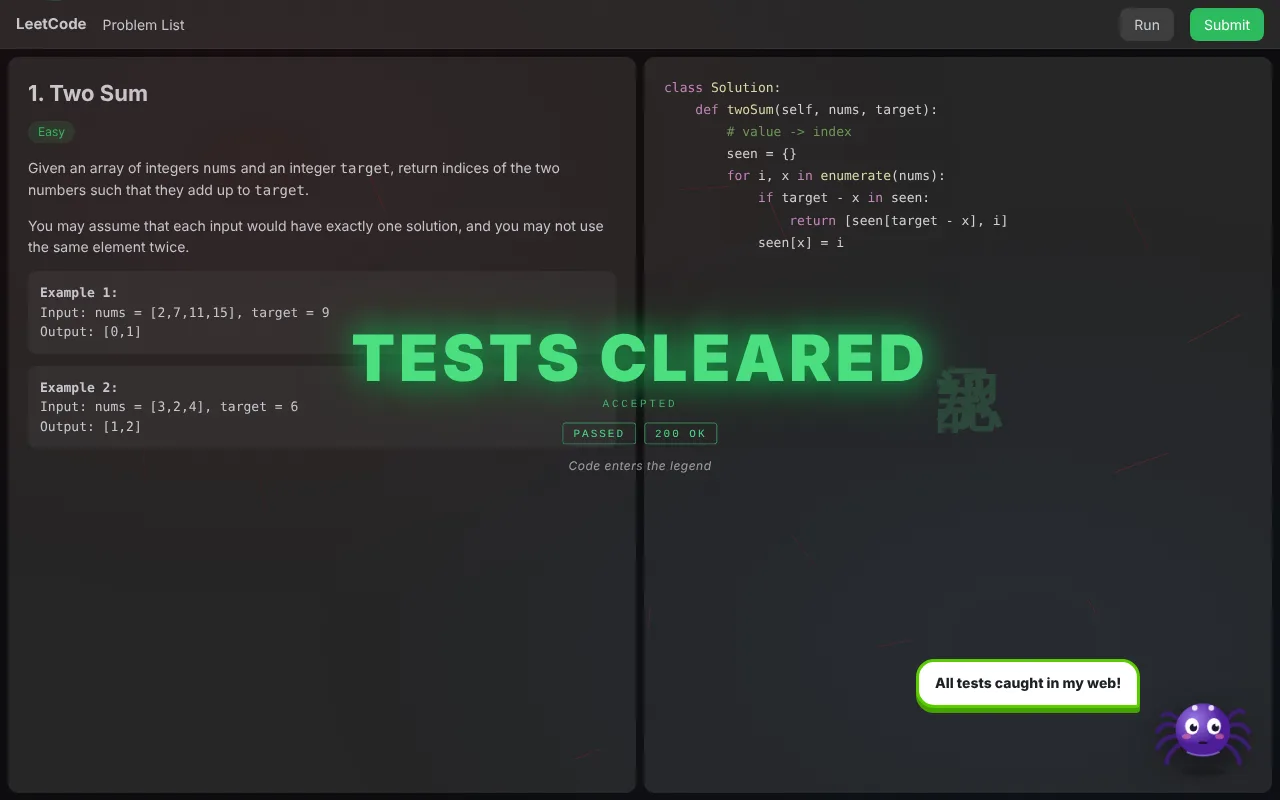
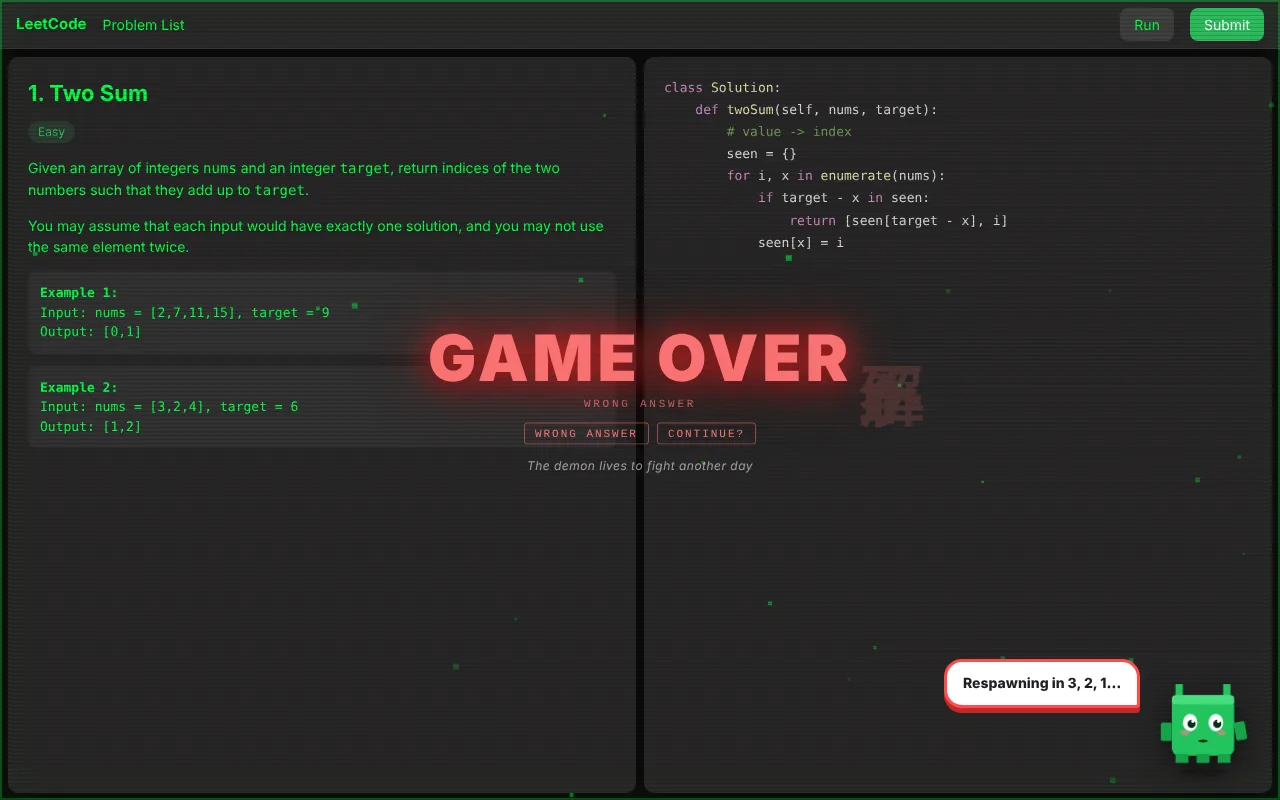
Yes. Both extensions are free to install with 9 GitHub themes and 4 LeetCode themes. MyTheme Studio Pro unlocks everything else for a one time launch price of $4.99 ₹149.
How do I activate Pro after buying?
Your license key arrives in the receipt email from Lemon Squeezy. Open the extension popup, go to the ⭐ Pro tab, paste the key and press Activate. One key works in both extensions.
How do I add a theme to GitHub?
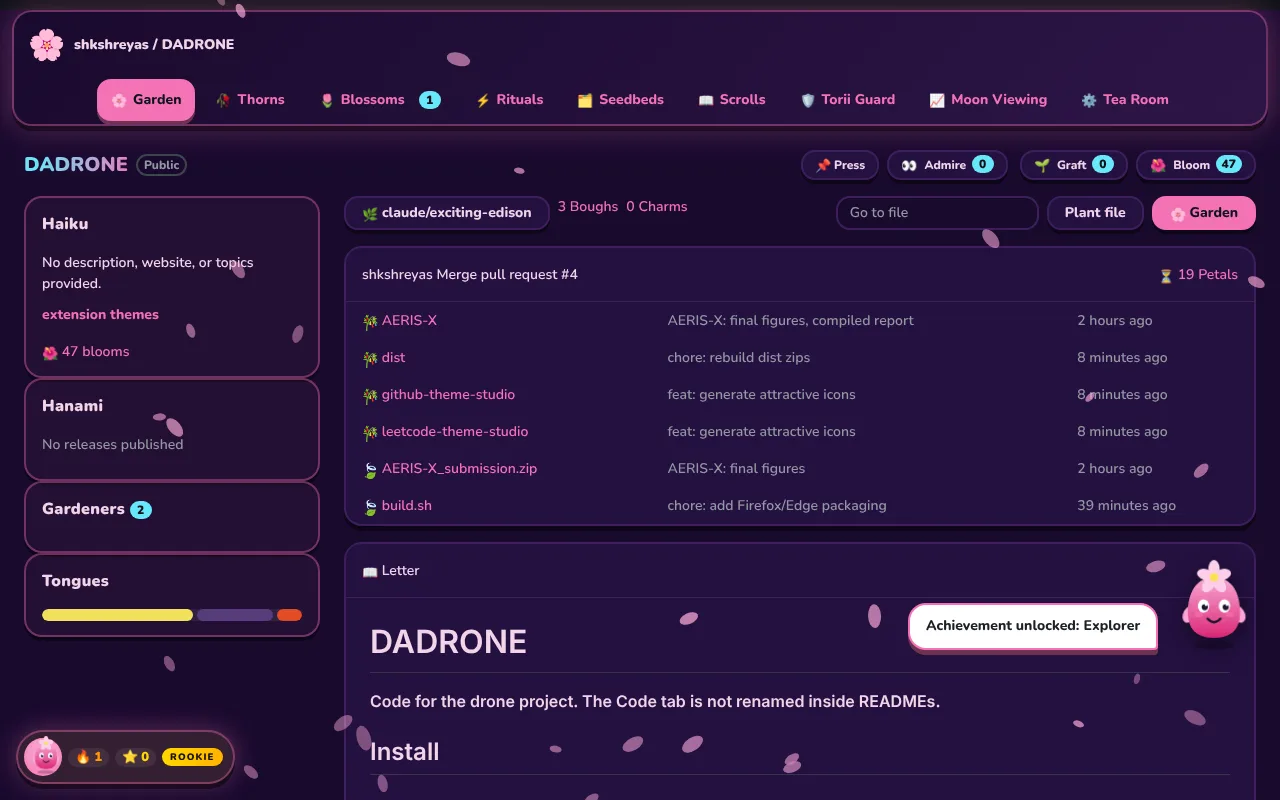
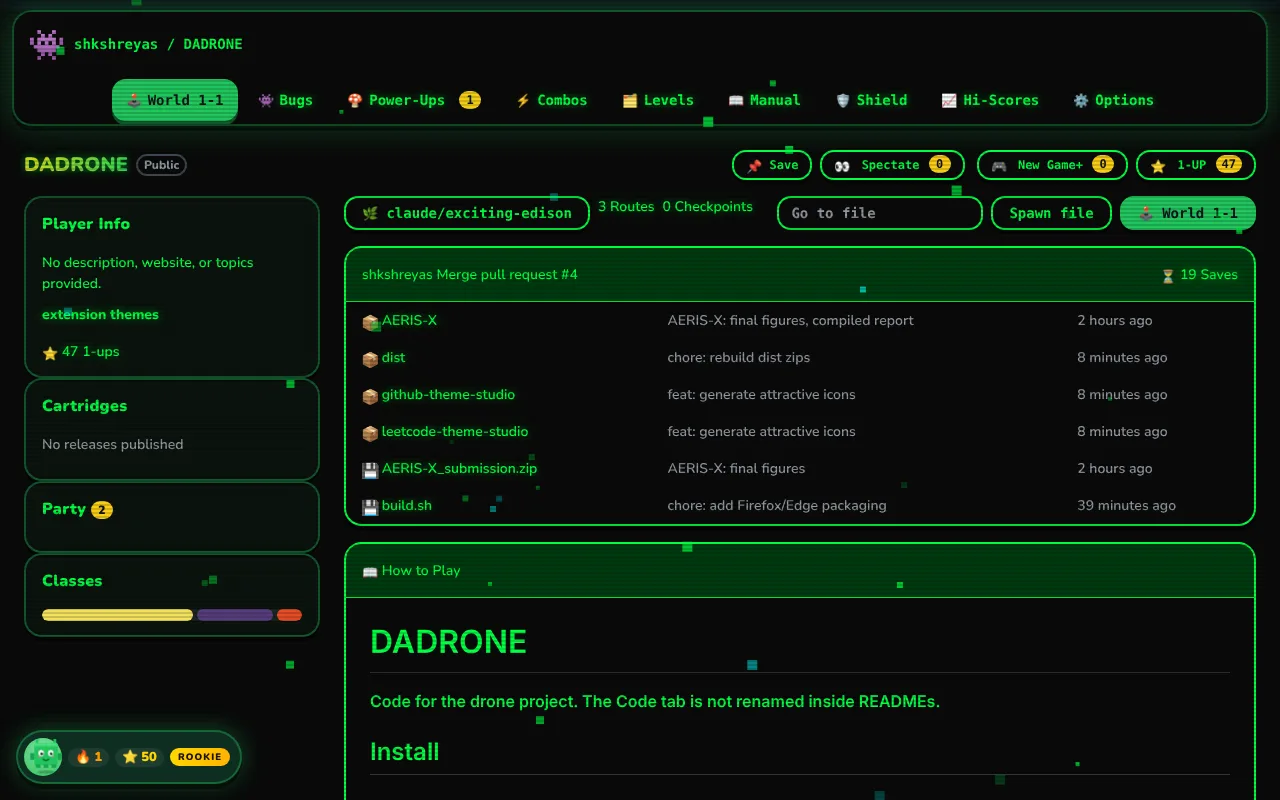
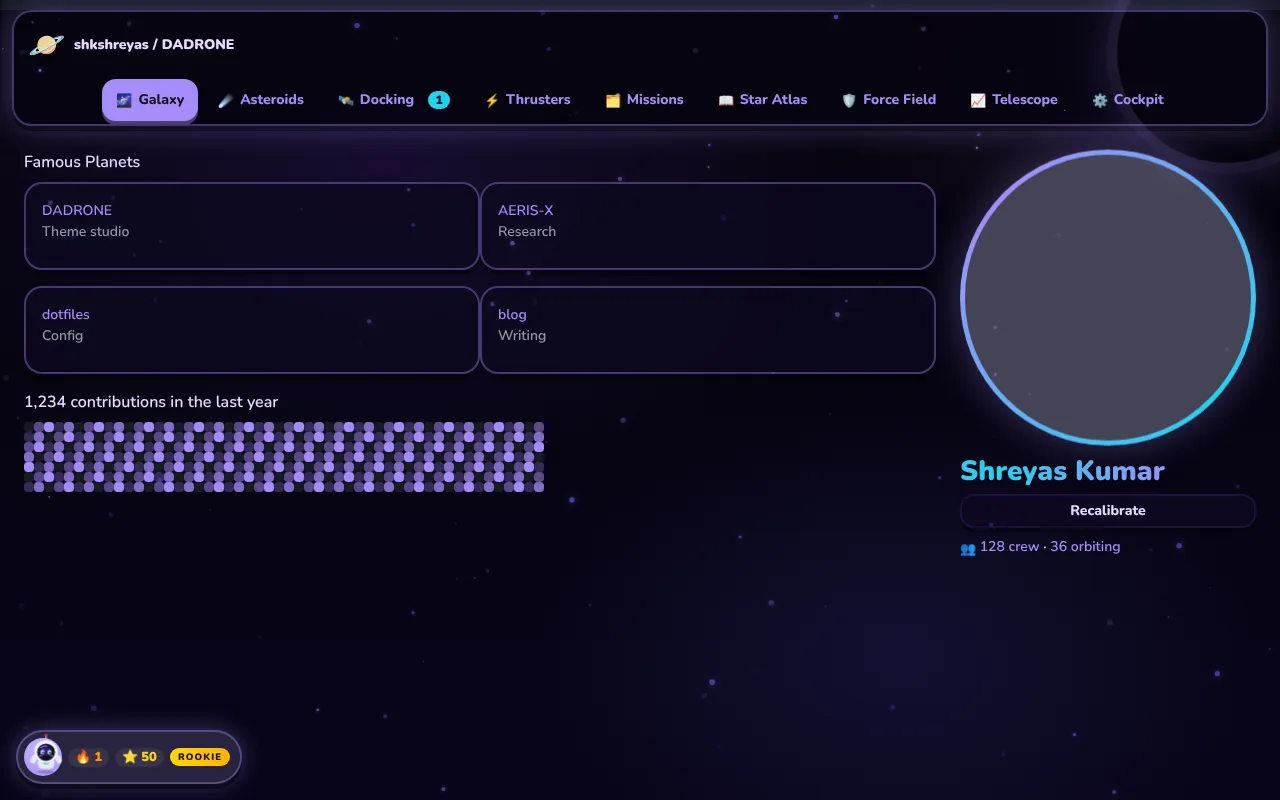
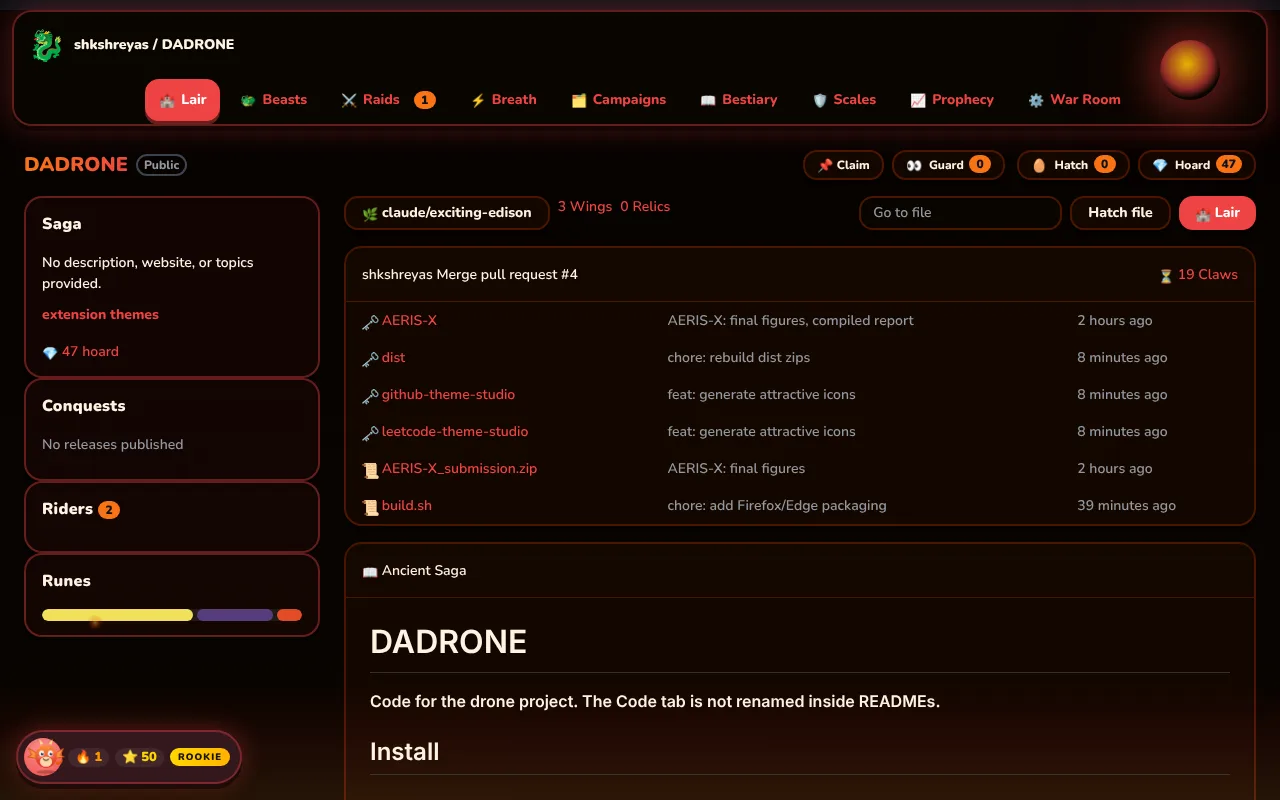
Install MyTheme Studio for GitHub, click its icon in the toolbar and pick one of the 12 themes. Every open GitHub tab switches instantly.
How do I install it?
On Microsoft Edge, install both extensions from Edge Add-ons with one click. On Firefox, install them from Firefox Add-ons. The Chrome Web Store version is in review; until then, Chrome, Brave and Opera users can download the zip, unzip it, open the extensions page, turn on Developer mode, choose “Load unpacked” and pick the unzipped folder.
Which browsers are supported?
Chrome, Edge, Brave, Arc, Opera and other Chromium browsers, plus Firefox 140 or newer, on desktop.
Does it read my code or my account?
No. The extensions only restyle the pages you already see. They don’t send any data anywhere, don’t use analytics and never ask you to log in. See the privacy policy.
Can I turn the sounds or label changes off?
Yes. The popup has switches for Sounds and for “Remix GitHub”, which keeps your colours but restores GitHub’s original wording and layout.
How do I get help or suggest a theme?
Email shkshreyaskumar@gmail.com. I usually reply within two days.